AI voice agents for plumbing & HVAC companies
Every call answered.
More jobs booked.
TalkLara is an AI voice agent that answers inbound calls, captures service requests, helps schedule appointments, and updates your existing tools—according to your business rules.
- Call answering configured for your business
- Appointment scheduling
- Supported CRM integrations
Sample caller
Hi, I have a leaking pipe in my kitchen. Can someone come tomorrow?
TalkLara (AI)
Of course! I can help with that. Let me check the available time slots…
Appointment booked
- Tue, Jun 17 · 10:00 AM – 12:00 PM
- Sample Customer
- 123 Example Street
- Plumbing – Leak repair
Sent to connected tool
Illustrative example. Not a real customer or booking.
Works with the tools your team already uses
Availability is confirmed for each tool during your demo. See how integrations work
- Housecall ProField service · Confirmed in demo
- ServiceTitanField service · Confirmed in demo
- JobberField service · Confirmed in demo
- Google CalendarCalendar · Confirmed in demo
- Outlook CalendarCalendar · Confirmed in demo
- ZoomMeetings · Confirmed in demo
- Your CRMCustom CRM · Custom project
- Scheduling softwareCustom · Custom project
- Dispatch systemsCustom · Custom project
- Business APIsCustom API · Custom project
Product capabilities
Everything a call needs, handled your way.
Answer Inbound Calls
Handle calls using your business's configured greeting and call rules.
Capture Job Details
Collect the service needed, contact information, location, and other details you configure.
Coordinate Appointments
Check availability and book eligible appointments through a supported workflow.
Connect Business Tools
Send relevant information to supported CRM, calendar, or field-service systems.
Route Urgent Calls
Transfer calls according to your company's configured escalation rules.
Keep Your Team Informed
Provide call summaries and booking details where supported.
How TalkLara works
From the first call to a confirmed appointment.
TalkLara follows your call-handling rules, checks scheduling availability, and keeps your team informed.
- 1
The call comes in
TalkLara answers using your greeting and call rules.
Sample caller
Incoming call
“Hi, I have a leaking pipe. Can someone come tomorrow?”
- 2
TalkLara captures the request
It collects the details your team needs.
TalkLara (AI)
- Service requested
- Leak repair
- Customer location
- 123 Example Street
- Preferred time
- Tomorrow morning
- Routing
- Standard
- 3
Availability is checked
TalkLara asks your connected scheduling system for open times.
Checking scheduling system…
- Tue · 8:00 – 10:00 AM
- Tue · 10:00 AM – 12:00 PM
- Tue · 1:00 – 3:00 PM
Sample slots offered to the caller
- 4
The outcome is confirmed
Booked only after the scheduling system reports success.
Booking confirmed
Tue · 10:00 AM – 12:00 PM
Returned by the scheduling system
CRM or field-service toolSummary and booking sent (where supported)
Urgent, uncertain, or out of scope?Transferred to your team by your rules.
Illustrative example with sample data. Not a real customer, booking, or CRM record.
Industries we serve
Built for home service businesses.
Purpose-built AI voice agents that follow your workflows, capture service requests, and help coordinate bookings.
Explore all industriesPlumbing Companies
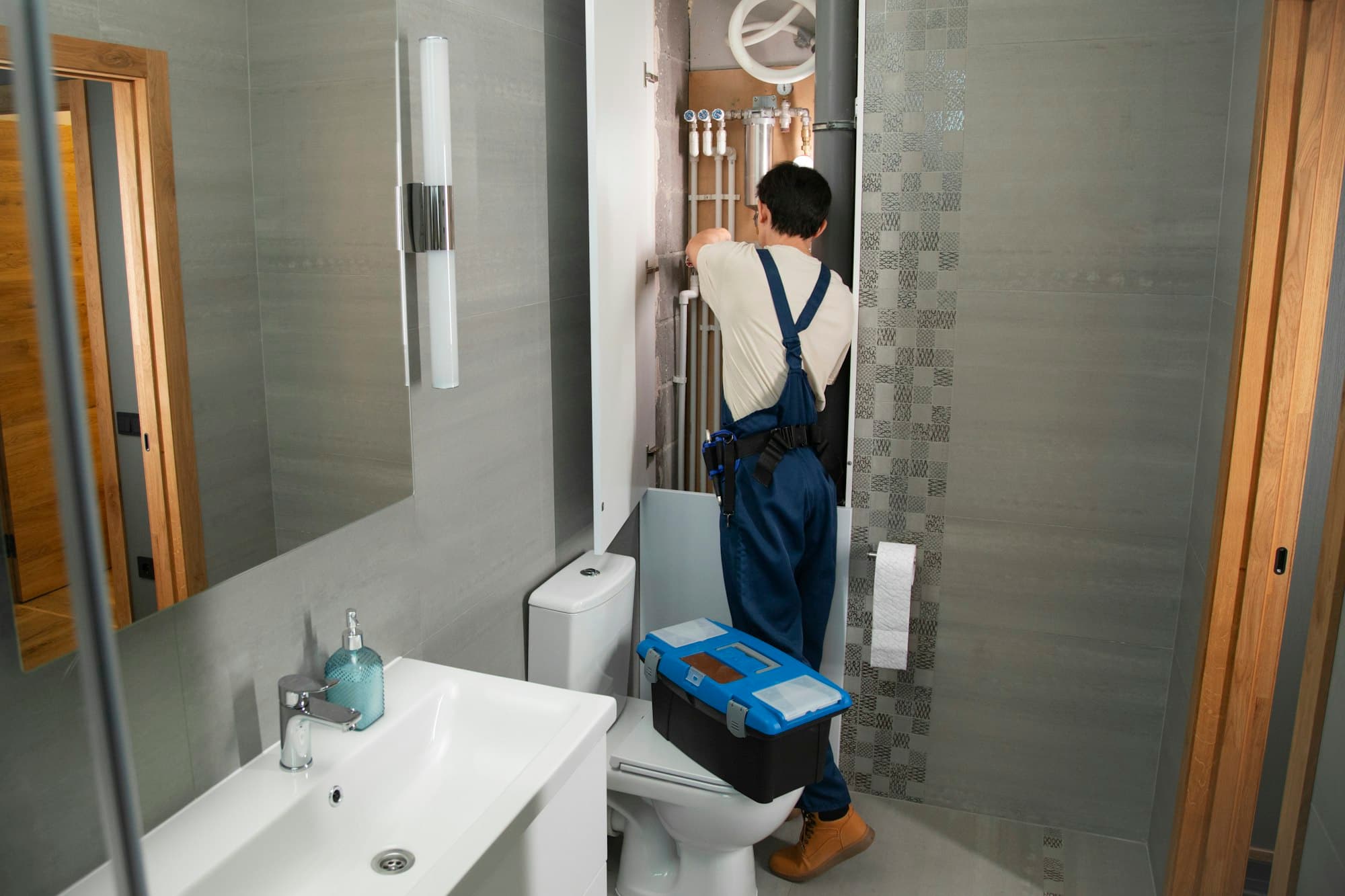
Capture service calls, collect job details, and coordinate appointments while your team focuses on the work.
Explore AI for plumbingHVAC Companies
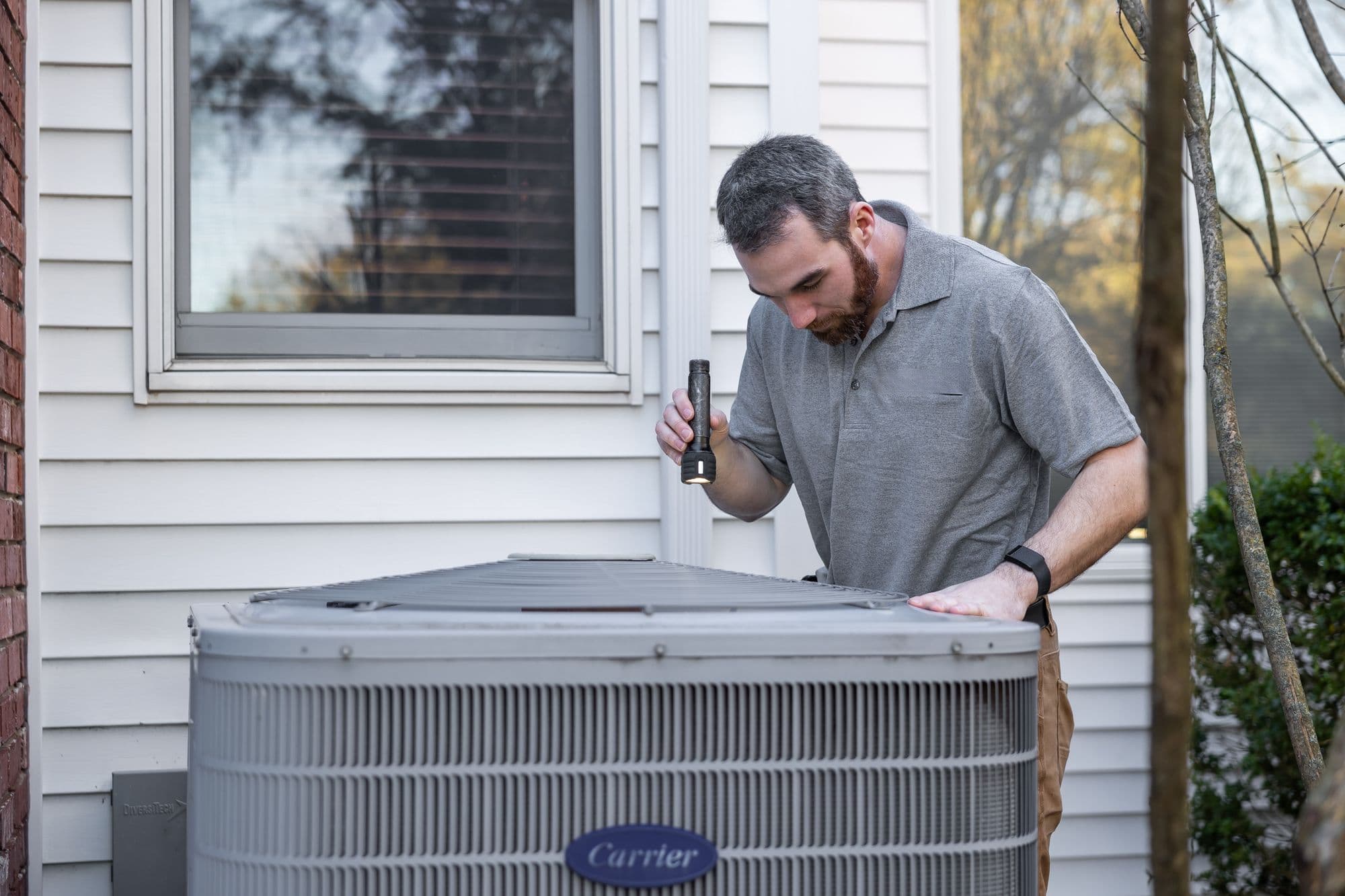
Handle service requests, gather equipment and issue details, coordinate bookings, and route urgent calls according to your rules.
Explore AI for HVACWater Treatment & RO
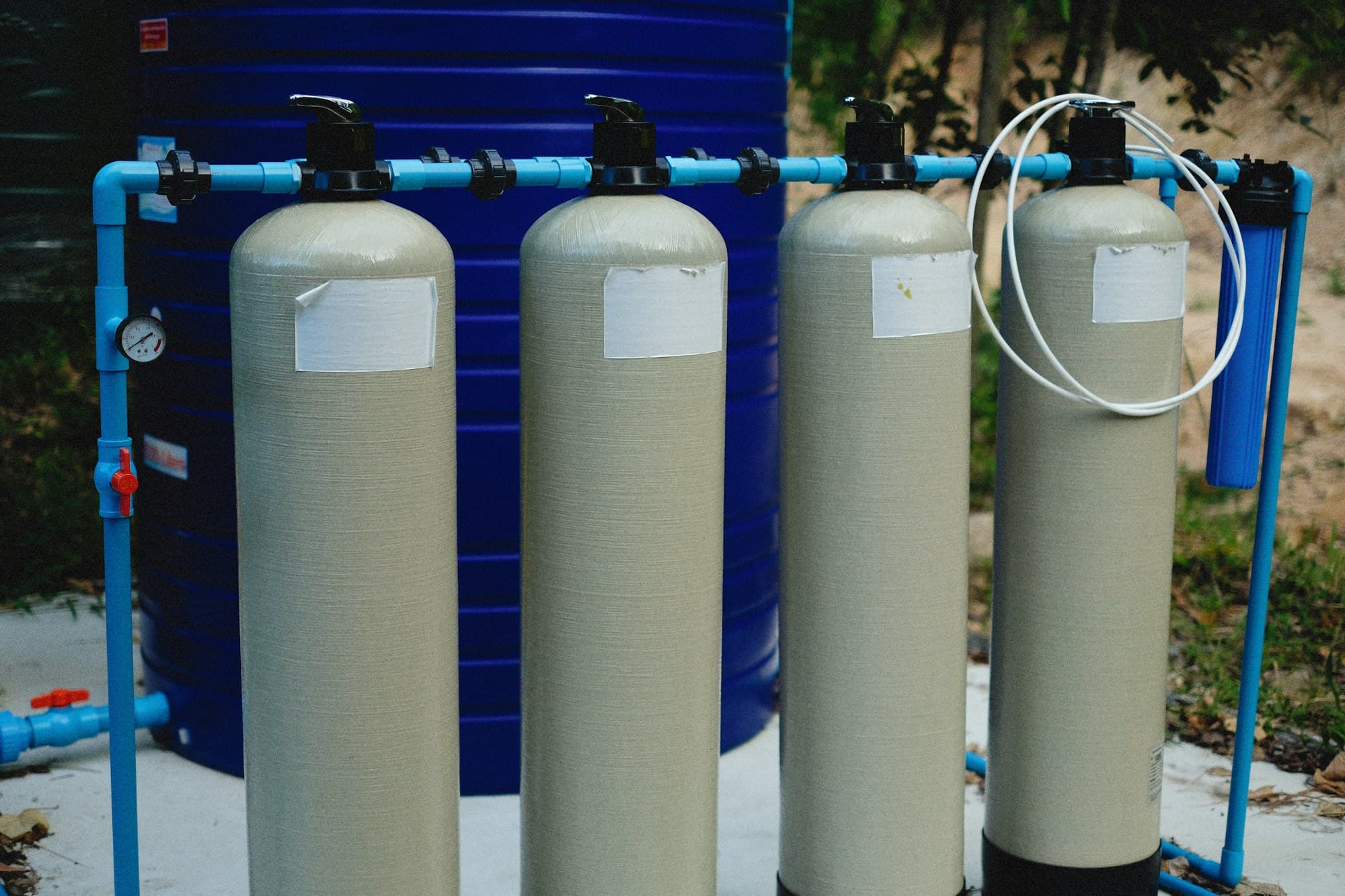
Capture installation and maintenance inquiries, answer configured service questions, and support follow-up workflows.
Explore water treatment
Integration approach
Fits your workflow—not the other way around.
- Each tool is labeled honestly: available, custom project, or planned.
- A booking is confirmed only after the scheduling system reports success.
- If a tool fails, the call falls back to a callback request or a transfer.
Inbound call
Your business line or forwarding rule
TalkLara
Follows your call rules and approved answers
Calendar or scheduling systemReads availability, creates the booking
CRM or field-service toolReceives the call summary and job details
Your teamTakes urgent or uncertain calls by transfer
Controls & reliability
Your rules decide what happens on every call.
TalkLara is built around controls your business sets, with a person always available as the fallback.
Your hours and transfer rules
Coverage, overflow and transfer destinations are set by you.
Escalation for uncertainty
Unclear or out-of-scope calls go to a person, not a guess.
Confirmed only on success
Bookings are confirmed after the scheduling system responds.
Human fallback
If a tool is unavailable, your fallback procedure applies.
Call review
Summaries and outcomes let your team see what happened.
Data handling
Described in our privacy policy and covered during onboarding.
FAQ
Frequently asked questions
What is an AI voice agent for a plumbing company?
It is software that answers inbound phone calls in a natural, spoken conversation, collects what your office would normally ask (the problem, the address, contact details, timing), and passes that information on or books an eligible appointment according to your rules. TalkLara is built for plumbing and other home-service teams.
Can TalkLara book appointments?
TalkLara can coordinate eligible appointments when it is connected to a supported scheduling workflow. Booking rules, service areas, appointment types, and transfer conditions are configured for each business. Requests that don't fit those rules are routed to a person rather than forced into a slot.
Does TalkLara check live availability before confirming a booking?
It is designed to confirm a booking only after the connected scheduling system or configured workflow reports success. If a slot is unavailable or the system can't be reached, the agent doesn't confirm it and follows your fallback rule instead.
Can it transfer urgent calls to our team?
Yes. You define what counts as urgent and where those calls go, such as an on-call technician or the office line. TalkLara follows those rules and does not decide on its own what is safe or unsafe.
Does it work after hours?
You choose when TalkLara answers: after hours, during overflow, or around the clock. After-hours handling is configured with you, including which calls are transferred and which are captured for the next business day.
Can TalkLara connect to our CRM or scheduling software?
It depends on the tool. We document each integration's status (live, beta, custom, or planned) and what it can read and write on the integrations page. If your tool isn't listed, bring it to the demo and we'll tell you honestly what is and isn't possible.
What happens if the AI can't answer a question?
It says so and takes a message or transfers the call, depending on your rules. TalkLara answers from information your business approves and is not meant to guess outside it.
How is TalkLara configured for our business?
Together with our team. You provide your greeting, services, service areas, hours, scheduling rules, and transfer contacts. We set up the call flow and review it with you before it handles real calls.
How long does implementation take?
It depends on your call flows and integrations. A simple call-capture flow is quicker than a flow that books into a connected scheduling system. We'll give you a realistic estimate during the demo rather than a one-size-fits-all number.
How is pricing determined?
Pricing is discussed during a demo call, because it depends on your call volume, coverage, integrations, number of locations, and onboarding needs. Book a demo and we'll walk through what fits your business.
See how TalkLara would handle your calls.
Walk through your call flow, scheduling rules, and integration needs with our team.