AI voice agents for plumbing companies
An AI receptionist built for plumbing companies
The problem
Where plumbing calls get lost today
Technicians are on jobs
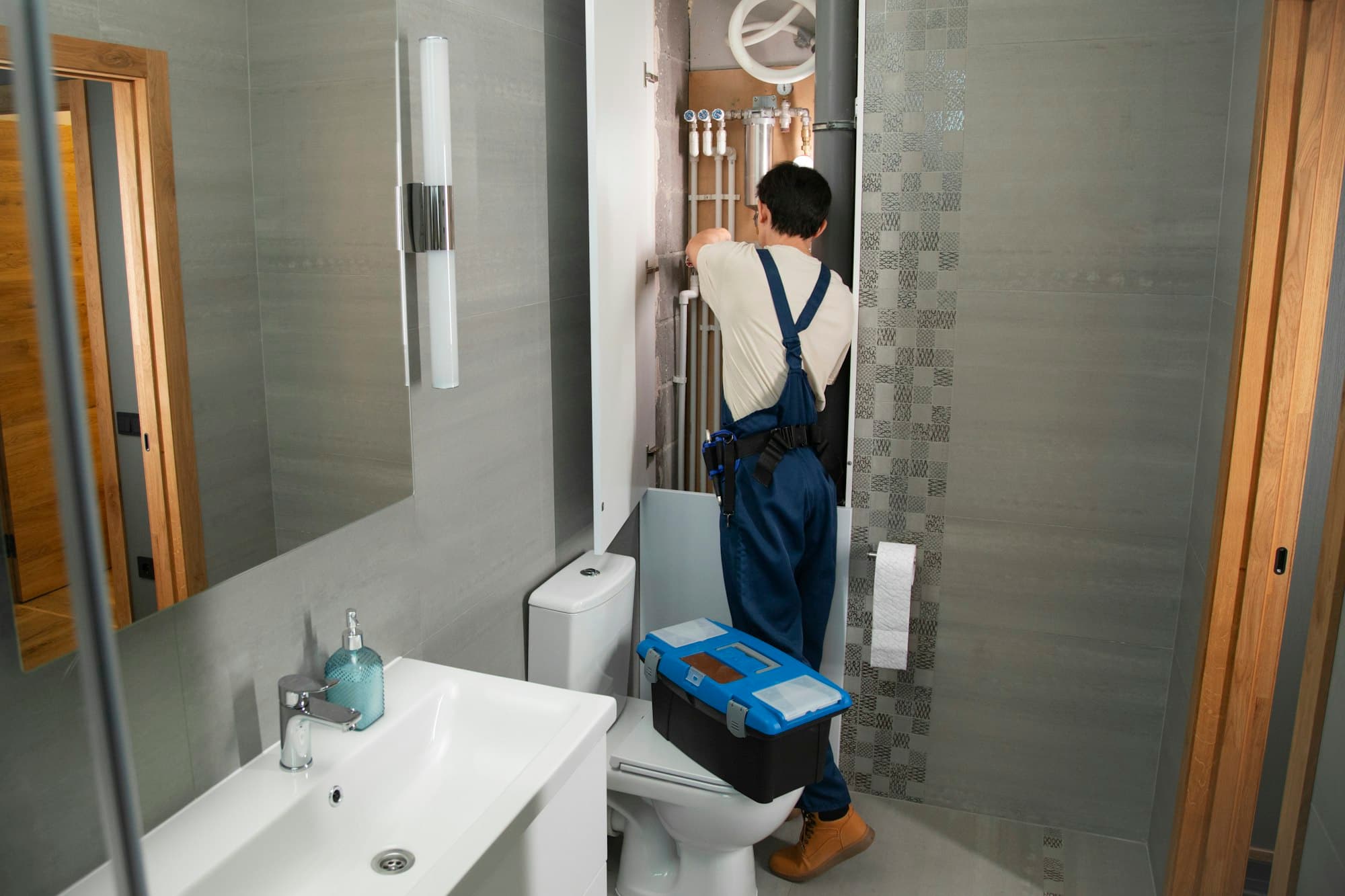
The people best placed to talk to a customer are under a sink or in a crawl space. Calls that go to voicemail often turn into a second call to someone else.
Office staff are stretched
When the phones, dispatch and customers at the counter all compete for the same person, simple requests wait in line behind urgent ones.
After-hours requests pile up
Evening and weekend callers want to know someone has their request. A voicemail with half an address is hard to act on the next morning.
Callers give incomplete information
A missing address, unit number or callback number turns a good lead into a round of phone tag.
Scheduling takes back-and-forth
Finding a window that fits the customer, the service area and the crew's day usually means several messages or calls.
What it does
What the voice agent does during a plumbing call
- Answers with your business name and greeting, and explains that it is an AI assistant.
- Asks what is happening and captures the issue in the caller's words, plus structured details such as service type.
- Collects the service address, contact name, and the best callback number.
- Asks the urgency questions you approve and applies your rules for what counts as urgent.
- Checks whether the address is inside your configured service area.
- Offers eligible appointment windows from your configured availability and records the caller's choice.
- Confirms the booking only after the connected scheduling system or workflow reports success.
- Sends a call summary and booking details to the tools you've connected, where supported.
- Transfers to a person, or takes a callback request, when your rules say to.
Example workflow
Example: a leaking pipe call
This is an illustrative walk-through of how a call can be configured. Your own rules, questions and tools define the real flow.
- 1
Caller reports a leak
"There's water coming from under my kitchen sink." The agent acknowledges and starts collecting details.
- 2
Collect details and service address
Where the leak is, whether it can be contained, the address with unit number, and a callback number.
- 3
Determine urgency using your rules
Your company defines which answers make a call urgent, for example an active leak that can't be stopped. The agent applies those rules; it does not diagnose the problem.
- 4
Check eligible availability
If the call is bookable, the agent requests open windows for that service type and area from your scheduling workflow.
- 5
Confirm only after system confirmation
The caller is told the appointment is booked only after the system reports success. If it fails, the agent follows your fallback, such as a callback request.
- 6
Send the summary
The call summary, address, issue description and booking are delivered to the configured tool.
Escalation
How urgent calls are escalated
You decide which situations go straight to a person and who that person is. TalkLara follows your rules rather than judging safety on its own.
How handoffs work
- Calls your rules classify as urgent are transferred to your on-call number or office line.
- If the transfer isn't answered, your fallback applies: try another contact, take a detailed message, or mark the call for immediate follow-up.
- Callers who ask for a person are transferred according to your hours and rules.
- Upset, unclear, or out-of-scope calls are handed off instead of handled by the agent.
What TalkLara does not do
- It does not diagnose hazards or advise on repairs.
- It does not quote prices or make promises beyond the information you approve.
- It does not confirm an arrival time your system hasn't confirmed.
Scheduling & integrations
Scheduling and integrations for plumbing teams
Appointment booking depends on the scheduling or field-service tool you use. When TalkLara is connected to a supported workflow, it reads availability and, where supported, writes the booking back. When it isn't, it can still capture a complete request and send it to your team to schedule.
Each integration's status and capabilities are documented on the integrations page. Nothing is described as live unless it is.
- Appointment types, durations and service areas are configured per business.
- Same-day and emergency rules are yours to define.
- Double-booking protection depends on the connected system. See our guide on preventing double bookings.
Implementation
How setup works and what we'll need from you.
- 1
Discovery call
We walk through your current call flow, hours, service area and tools.
- 2
Configuration
We set up your greeting, approved answers, questions, urgency rules and transfer contacts.
- 3
Integration setup
We connect the supported tools you use, or agree a manual hand-off for those we can't.
- 4
Review and test
You listen to test calls and adjust the flow before it handles real callers.
- 5
Go live and refine
Your team reviews call summaries and outcomes, and we tune the flow from real calls.
What you provide
- Your business name, greeting and service areas
- Services you offer and any you don't
- Business hours and after-hours expectations
- Rules for what counts as urgent
- Who calls should be transferred to, and when
- Access to your scheduling or CRM tool, if you want it connected
Timelines depend on your call flows and integrations. We'll give you a realistic estimate in the demo.
FAQ
Plumbing questions, answered
Can an AI receptionist book plumbing appointments?
TalkLara can coordinate eligible plumbing appointments when it is connected to a supported scheduling workflow. It should check current availability and confirm the appointment only after the booking system reports success. Booking rules, service areas, appointment types, and transfer conditions are configured for each business.
How does TalkLara handle a plumbing emergency?
You define what counts as an emergency and who should take those calls. When a call matches your rules, TalkLara transfers it to your on-call contact or follows your fallback. It does not diagnose the problem or give repair or safety instructions beyond what you approve.
What does the agent ask a plumbing caller?
Typically the nature of the problem, the service address, a contact name and callback number, and any questions your team uses to judge urgency. You approve the questions.
Will it quote prices to callers?
Only if you approve specific information, such as a service-call fee you already publish. Otherwise it explains that your team will follow up on costs.
What if our service area is limited?
Service areas are configured. Callers outside your area can be politely told so, or routed according to your rules.
What happens if the scheduling system is down?
The agent doesn't confirm an appointment it can't confirm. It follows your fallback, usually capturing the full request and flagging it for your team to schedule.
Can it replace our office staff?
TalkLara is designed to handle the routine intake of inbound calls so your team can focus on work that needs a person. It is not a replacement for judgment on complex or sensitive calls, which it hands off.
See how TalkLara would handle your Plumbing calls.
Walk through your call flow, scheduling rules, and integration needs with our team.